
BesideAI cho Remote Worker: Họp online không rào cản ngôn ngữ
BesideAI cho Remote Worker: Họp online không rào cản ngôn ngữ
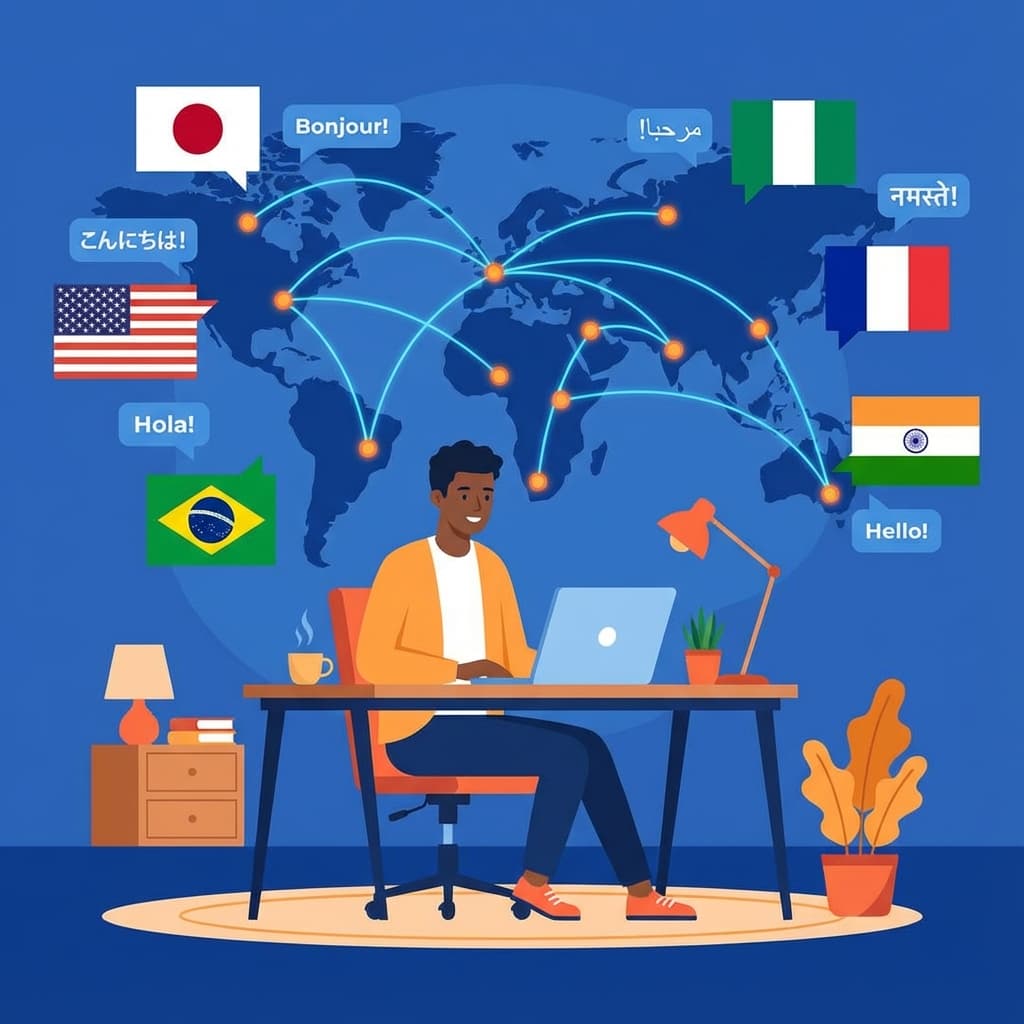
Làm việc từ xa (remote work) đã trở thành xu hướng không thể đảo ngược. Với remote work, bạn có thể làm việc cho công ty ở bất kỳ đâu trên thế giới. Tuy nhiên, điều này cũng đồng nghĩa với việc bạn sẽ phải giao tiếp với đồng nghiệp từ nhiều quốc gia khác nhau.
Thực tế của Remote Worker đa quốc gia
Những thách thức hàng ngày
1. Daily Standup với team đa ngôn ngữ
- Đồng nghiệp từ India, Philippines, Eastern Europe...
- Accent đa dạng, khó nghe
- Terminology và cách diễn đạt khác nhau
2. All-hands Meeting
- CEO/Leadership present bằng tiếng Anh native
- Nói nhanh, nhiều idioms
- Thông tin quan trọng về công ty
3. Cross-team Collaboration
- Design với Dev, PM với Engineering
- Documentation tiếng Anh
- Async communication qua Slack/Email
4. Time Zone Challenges
- Không phải lúc nào cũng họp live được
- Cần async communication hiệu quả
- Recording meetings để xem lại
BesideAI - Game Changer cho Remote Workers
Tổng quan giải pháp
| Thách thức | Tính năng BesideAI | Giải quyết |
|---|---|---|
| Họp với accent khó nghe | Meeting Translation | Phụ đề real-time |
| Email với native speakers | Gmail Assistant | Viết English professional |
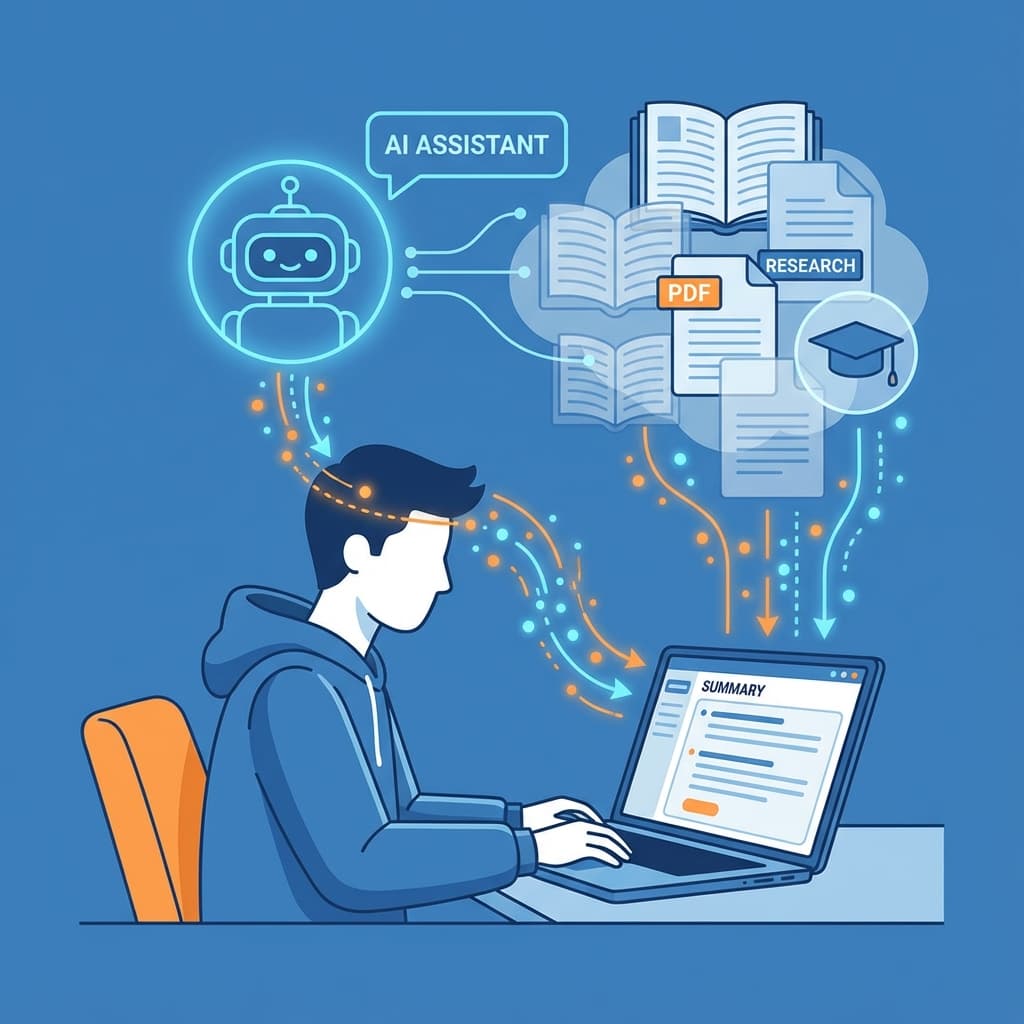
| Documentation dài | PDF Chat | Tóm tắt, hỏi đáp |
| Async updates | Screen Recording | Video thay họp |
| Research | AI Sidebar | Hiểu context nhanh |
Workflow 1: Daily Standup hiệu quả
Trước Standup
- Chuẩn bị update của bạn:
- Dùng AI Chat để format update:
Format update cho standup:
- Done: [những gì hoàn thành]
- Doing: [đang làm]
- Blockers: [vấn đề cần help]
Ngắn gọn, clear, professional English
Trong Standup
-
Bật Meeting Translation:
- Join Google Meet/Teams/Zoom
- Mở BesideAI sidebar
- Bật translation: English → Vietnamese
- Xem phụ đề trong khi nghe
-
Note taking:
- Ghi lại action items liên quan đến bạn
- Mark những gì cần follow up
Sau Standup
- Follow-up nếu cần:
- Dùng Gmail Assistant để hỏi clarification
- Gửi written confirmation cho action items
Workflow 2: All-hands và Town Hall Meetings
Đặc điểm của All-hands
- Thường 30-60 phút
- CEO và leadership present
- Thông tin về strategy, performance, changes
- Q&A session
Cách sử dụng BesideAI
1. Real-time Translation:
- Bật translation suốt meeting
- Không miss thông tin quan trọng
- Hiểu cả slides và speaking
2. Note key points:
- Những thay đổi affect bạn
- New priorities và goals
- Deadlines quan trọng
3. Q&A:
- Nếu muốn hỏi, draft question với AI
- Đảm bảo grammar và clarity
Workflow 3: Cross-functional Meetings
Meetings với team khác
Khi bạn (VD: Developer) họp với team khác (VD: Sales):
1. Trước meeting:
Upload meeting agenda/documents vào PDF Chat:
"Tóm tắt context của meeting này"
"Có gì liên quan đến team tôi?"
"Prepare câu hỏi tôi nên ask"
2. Trong meeting:
- Bật translation nếu cần
- Focus vào phần liên quan đến bạn
- Note action items
3. Sau meeting:
Email tóm tắt những gì agreed:
- Action items và owners
- Deadlines
- Next steps
Workflow 4: Async Communication thay Meeting
Khi nào nên async?
- Time zone difference > 6 giờ
- Topic không cần real-time discussion
- Update hoặc demo, không phải brainstorm
- Người nhận có thể xem 2x speed
Tạo Async Update Video
-
Screen Recording với webcam:
- Cho personal touch
- Viewers thấy bạn đang nói
-
Cấu trúc video:
- Intro (10s): "Hey team, quick update on..."
- Content (2-3 phút): Show work, explain
- Outro (10s): "Let me know if questions"
-
Chia sẻ:
- Copy link, paste vào Slack/Email
- Thêm 1-2 câu text context
Ví dụ:
Hey @channel,

Recorded a quick update on the new feature implementation.
📹 [Link]

TL;DW:
- Completed: User auth flow
- In progress: Dashboard UI
- Need input on: Color scheme options (shown in video at 1:30)

Let me know your thoughts!
Workflow 5: Email Communication Professional
Các tình huống phổ biến
Request deadline extension:
Email to manager asking for 2-day extension on [project],
reasons: [dependency từ team khác bị delay],
propose new timeline,
tone: professional, accountable
Disagree với decision:
Email respectfully presenting alternative view on [topic],
acknowledge current decision,
present data/reasoning,
suggest: discuss further if needed
Cross-team request:
Email to [team] requesting [help needed],
context: why needed, impact,
deadline: [date],
offer: what we can provide in return
Weekly update to manager:
Weekly update email:
- Accomplishments: [list]
- Challenges: [list]
- Next week focus: [priorities]
- Need from you: [if any]
Mẹo cho Remote Workers
Mẹo 1: Tạo vocabulary list cho team bạn
Mỗi team có terminology riêng. Khi gặp từ mới:
- Hỏi AI giải thích
- Lưu vào personal glossary
- Review định kỳ
Mẹo 2: Pre-read meeting materials
Trước mỗi meeting quan trọng:
- Upload agenda/docs vào PDF Chat
- Tóm tắt key points
- Chuẩn bị questions
→ Tham gia meeting với confidence hơn
Mẹo 3: Leverage async
Không phải mọi thứ cần meeting live:
- Brainstorm → Có thể async
- Status update → Video recording
- Decision making → Cần live
- Q&A → Có thể async first
Mẹo 4: Time zone courtesy
Khi gửi async:
- Mention time zone của bạn
- Suggest times that work for both
- Dùng tools như World Time Buddy
Mẹo 5: Document everything
Remote work = over-communication:
- Summarize meetings bằng email
- Confirm decisions in writing
- Share recordings cho những người miss
Case Study: Backend Developer tại Startup US
Background
Minh - Backend Developer tại Vietnam, làm việc cho startup ở San Francisco.
Daily Schedule (Vietnam time)
- 8:00 PM - 9:00 PM: Overlap với US team (standup, meetings)
- 9:00 PM - 12:00 AM: Focus time (coding)
- 9:00 AM - 6:00 PM: Async work, personal tasks
Cách Minh dùng BesideAI
1. Daily Standup (8 PM):
- Bật Meeting Translation vì PM và designers speak nhanh
- Note action items trong sidebar
- Hiểu 100% context
2. Sprint Planning (bi-weekly):
- Upload PRD (Product Requirements Document) vào PDF Chat
- "Tóm tắt requirements cho tính năng mới?"
- "Technical considerations được đề cập?"
- Chuẩn bị estimation và questions
3. Code Review Discussions:
- Khi reviewer để comment phức tạp
- Copy vào AI Chat: "Giải thích comment này?"
- Reply bằng English clear và professional
4. Technical Documentation:
- Đọc docs từ vendors/libraries
- AI Sidebar tóm tắt các sections quan trọng
- Hiểu nhanh integration requirements
Kết quả
- Performance reviews consistently positive
- Được promote sau 18 tháng
- Communication feedback: "Clear and effective"
So sánh công cụ Remote Work
| Công cụ | Meeting Translation | Email AI | PDF Chat | Screen Record |
|---|---|---|---|---|
| BesideAI | ✅ 30+ languages | ✅ | ✅ | ✅ |
| Zoom (built-in) | ❌ (chỉ caption) | ❌ | ❌ | ✅ |
| Otter.ai | ✅ (English only) | ❌ | ❌ | ❌ |
| Grammarly | ❌ | Partial | ❌ | ❌ |
| Loom | ❌ | ❌ | ❌ | ✅ |
BesideAI advantage: All-in-one, không cần switch giữa nhiều tools
Kết luận
Đối với Remote Workers làm việc với đội ngũ đa quốc gia, BesideAI là essential tool giúp:
- ✅ Không miss thông tin: Translation real-time trong meetings
- ✅ Communicate professionally: Email English chuẩn native
- ✅ Work efficiently: Async updates qua video
- ✅ Understand context: PDF và documents nhanh chóng
- ✅ Build trust: Over-communicate một cách hiệu quả
Remote work đang mở ra cơ hội làm việc cho công ty tốt nhất thế giới mà không cần relocate. Với BesideAI, rào cản ngôn ngữ không còn là trở ngại.
Bắt đầu ngay với cuộc họp tiếp theo của bạn - bật BesideAI và trải nghiệm sự khác biệt!